Appointments and repairs in one schedule, with a reminder for the customer.
Plan repairs and appointments in the calendar, drag them to another time and let the customer receive a reminder.
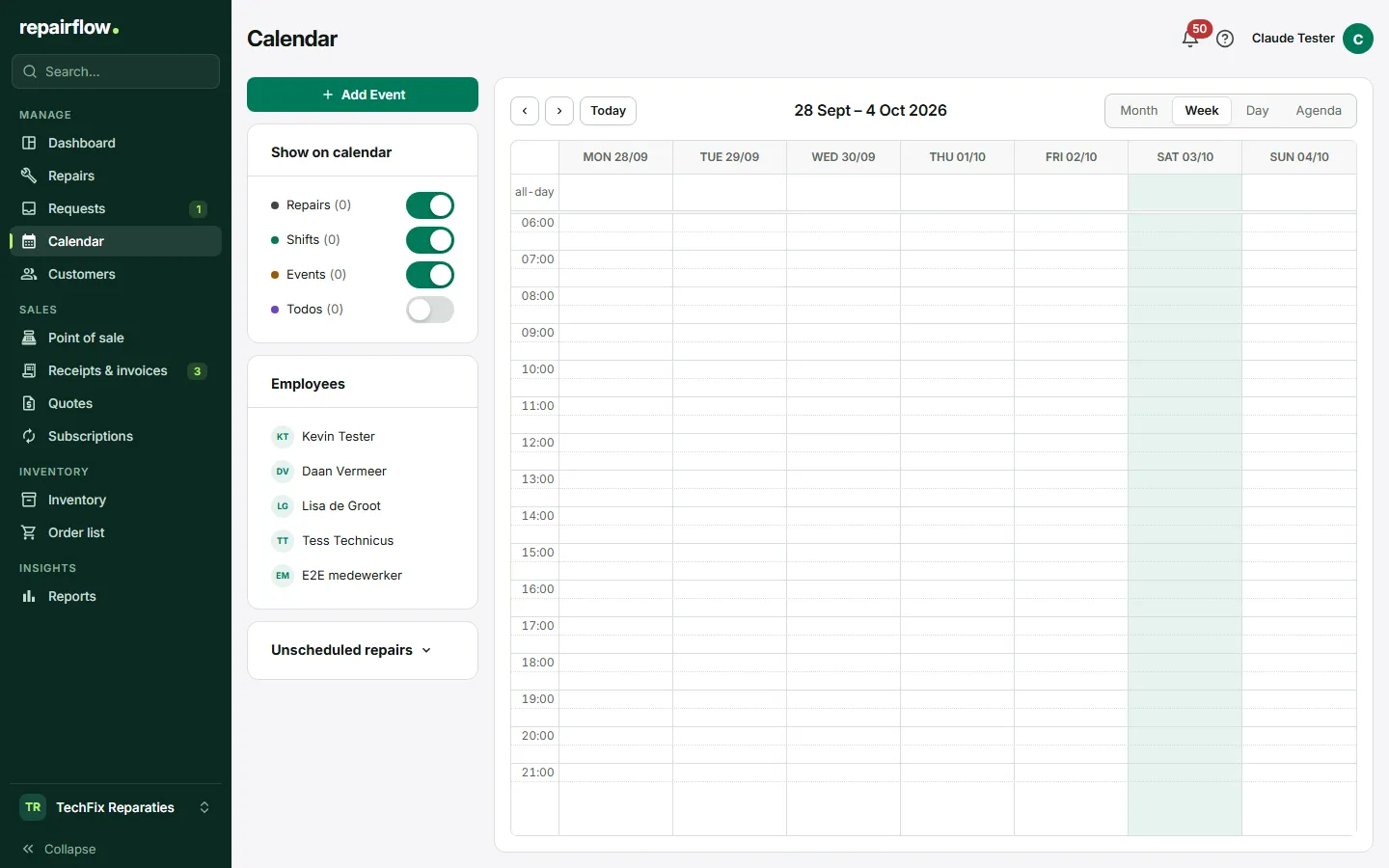
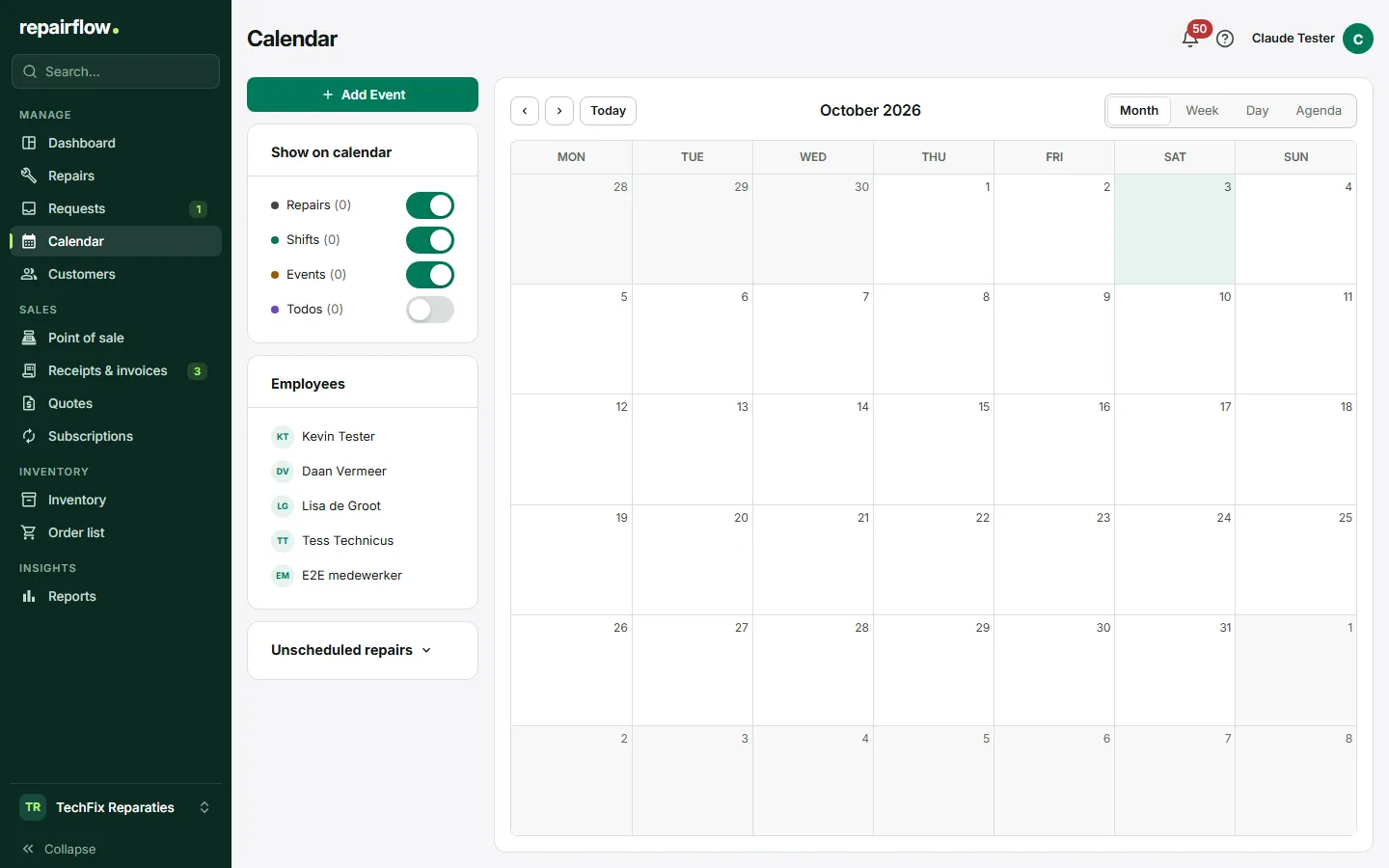
The Repairflow calendar is not a separate diary. Every appointment belongs to a repair and a customer, and whatever you move in the calendar also changes on the board.
What you do with it
Repairs with a time slot
Give a repair a date and a duration and it appears in the calendar. Repairs not yet planned sit in the side panel; drag them to a free moment.
Appointments from online booking
A customer who books online picks a slot from your opening hours. The appointment is in the calendar as soon as you approve the request, with the customer and the device attached.
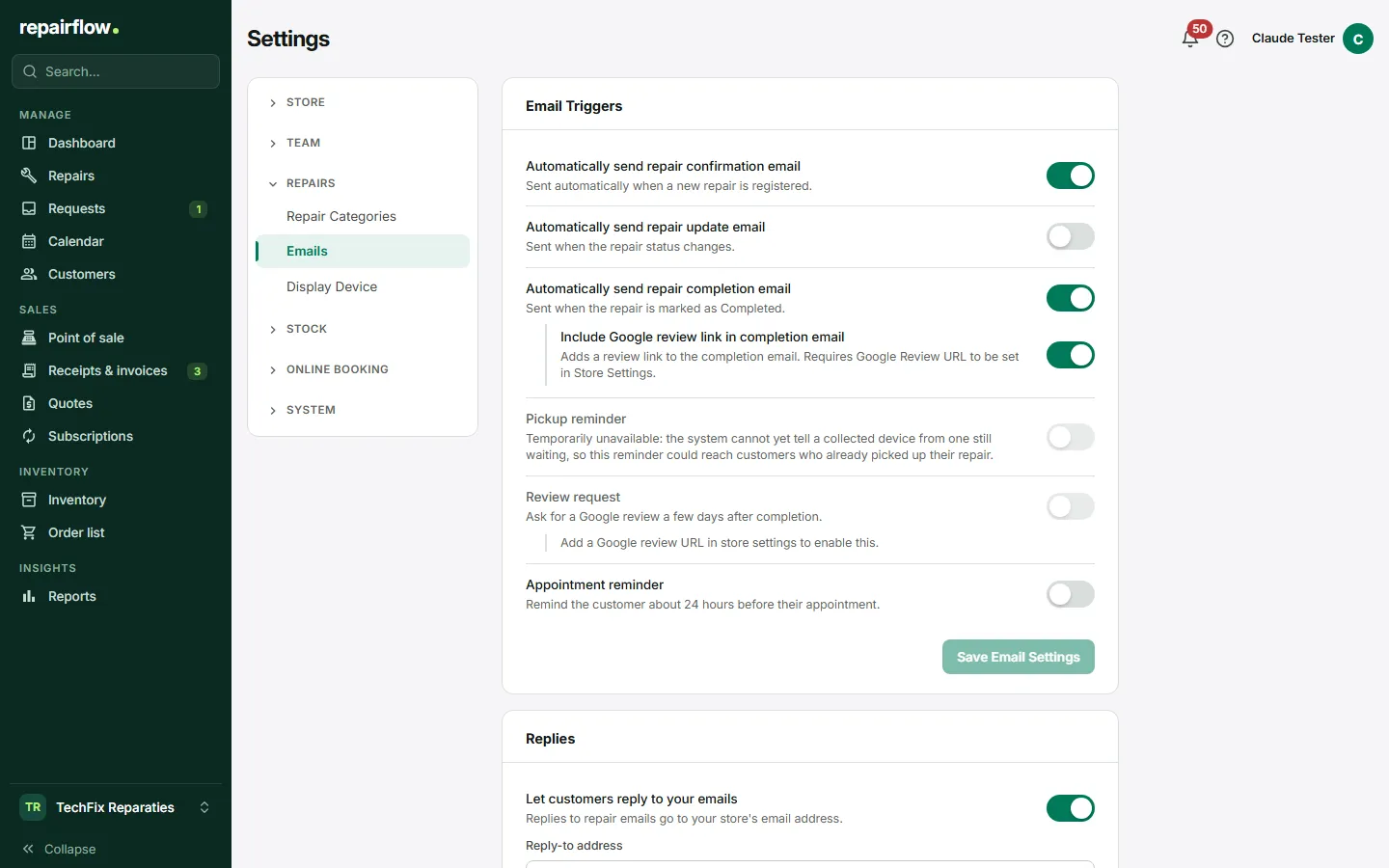
Reminder the day before
The customer gets an email a day ahead with the time and your address. Once per appointment, only if you switch it on.
How it works
-
Plan the repair
At intake or later, with a duration that fits the job.
-
Move it when needed
Dragging in the calendar is enough. The customer gets the new time in the appointment reminder.
-
Have Repairflow remind the customer
The reminder email goes out by itself the day before.
Try Repairflow free for 14 days.
No credit card, ends automatically. Switching takes an afternoon.